


Description
Product Overview
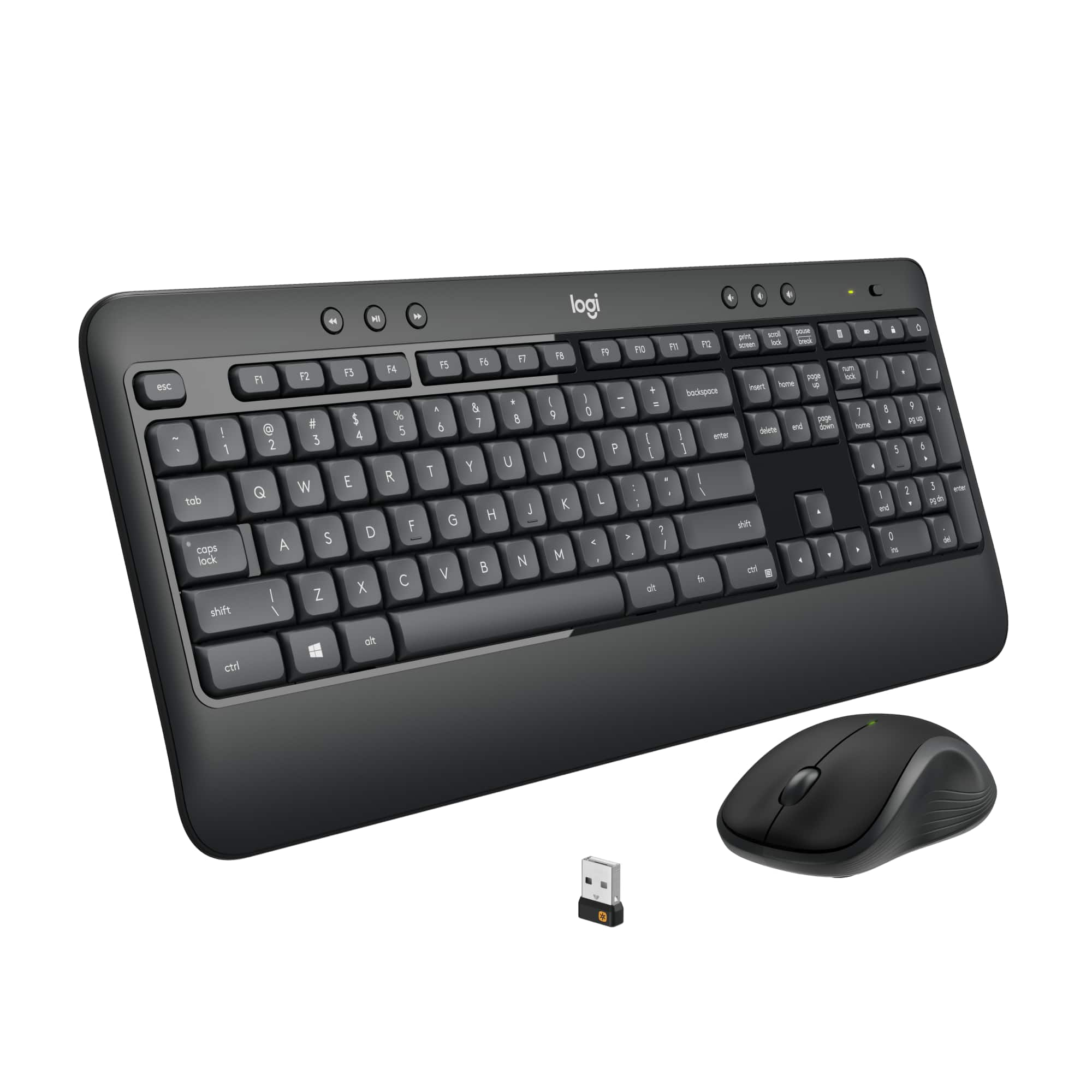
The Logitech MK540 Advanced Wireless Keyboard and Mouse Combo is designed for dependable PC performance with a full-size keyboard layout and ergonomic mouse. Built with durable membrane keys and smooth tracking, it ensures comfortable use during extended sessions. The combo connects via a single USB receiver for easy setup and operates on reliable 2.4GHz wireless technology, with keyboard dimensions of approximately 17.3 x 5.1 inches and mouse fit for right-handed users.

Usage
This keyboard and mouse combo is perfect for home offices, educational settings, and general computing tasks where reliability and comfort are key. It supports daily activities like document editing, web browsing, and data entry, catering to professionals, students, and families seeking an efficient wired-free experience. The low-profile design fits seamlessly on standard desks, reducing clutter and enhancing workflow in various environments.
Why Choose Us
Logitech’s MK540 combo stands out with its advanced wireless performance, offering stable connectivity and long battery life—up to 36 months for the keyboard and 18 months for the mouse. The full-size keyboard includes a numeric pad and spill-resistant design, while the mouse features precise optical tracking and comfortable grips. Backed by Logitech’s reputation for quality, this combo delivers consistent value without frequent replacements.
Key Features
- Full-size keyboard with numeric pad for efficient data entry and calculations
- Advanced 2.4GHz wireless connection for reliable, lag-free performance
- Long battery life—keyboard lasts up to 36 months and mouse up to 18 months
- Spill-resistant keyboard design and durable construction for everyday use
- Ergonomic mouse with precise optical sensor and comfortable grip
FAQ
What is the wireless range of the Logitech MK540 combo?
The combo offers a reliable wireless range of up to 10 meters (33 feet) in typical indoor environments, allowing flexible placement from your PC.
Does this keyboard and mouse require software installation?
No software installation is needed; the combo uses plug-and-play functionality with the included USB receiver for immediate use on compatible PCs.
What type of batteries does the Logitech MK540 use?
The keyboard requires two AA batteries, and the mouse uses one AA battery, both included for quick setup out of the box.
Is the keyboard compatible with Mac computers?
While optimized for Windows PCs, the keyboard basic functions work with Mac systems, though some special keys may not be fully supported.
How do I clean the keyboard and mouse?
Gently wipe the surfaces with a soft, dry cloth; for spills, turn off the devices and clean carefully to maintain performance.




 1688商品
 1688商品
 1688商品
 Apple iPhone 12 Mini 5G 128GB Unlocked Black Pre Owned
 1688商品
 1688商品
 1688商品
 1688商品
 1688商品
 1688商品
 OtterBox Symmetry Case Google Pixel 9 Pro Clear Protection
 Belkin Thunderbolt 3 Cable 40Gbps 100W Power Delivery
 Logitech Zone Vibe 100 Wireless Bluetooth Headphones Noise
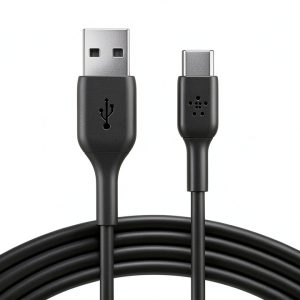 Belkin USB C Cable Boost Charge 9.8ft Black CAB001bt3MBK
 Wireless Charging Pad 20W Fast Charging for Samsung iPhone
 1688商品
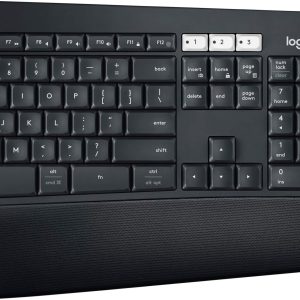 Logitech MK850 Wireless Keyboard Mouse Combo PC Mac Black
 Microsoft 365 Personal Subscription Apps Cloud Storage
 Belkin iPhone Tempered Glass Screen Protector 9H Hardness
 1688商品
 Logitech MX Anywhere 2S Wireless Laser Mouse Bluetooth
 1688商品
 Microsoft 365 Family Subscription Productivity Apps Security
 Belkin Mixit Braided Micro USB Cable Premium 10 Foot
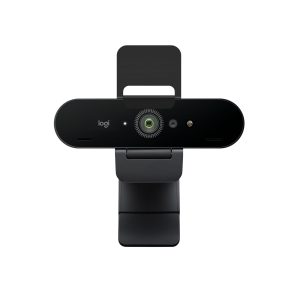 Logitech 4K Pro Webcam Noise Canceling Mic Streaming
 Defender Series Pro XT Magnetic Pixel 10 Case 7X Drop
 Always-On Case 14 Laptop Protective Cover with Strap
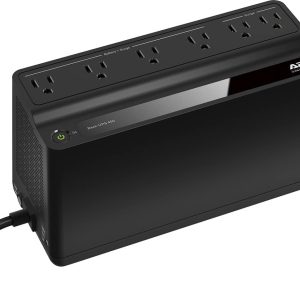 APC Battery Backup 450VA 6 Outlet Surge Protector
 Tablo DVR 2 Tuner Record Live TV Free Streaming Channels
 1688商品
 Logitech G440 Hard Gaming Mouse Pad Low Friction Surface
 Logitech MK120 Wired Keyboard Mouse Bundle PC USB Plug Play
 Defender Series Pro XT Magnetic Pixel 10 Pro XL Case
 Logitech Combo Touch Keyboard Case iPad Pro Trackpad
Reviews
There are no reviews yet.